

Usage
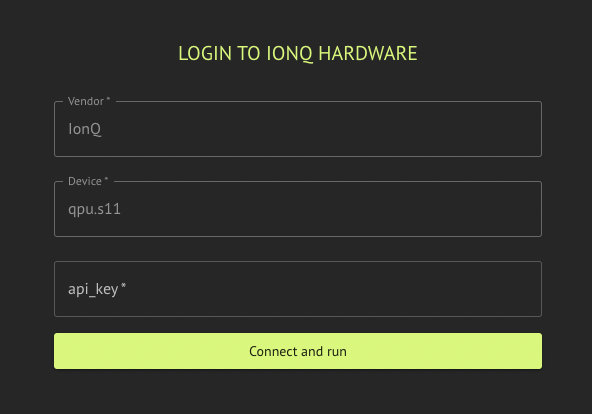
Execution on IonQ requires a valid IonQ API key. IonQ Backend Preferences configuration options are summarized below; see IonQ hardware noise simulation (emulate) for theemulate flag.
- Error mitigation:
bool— valid for IonQ hardware; defaults toFalse.
- SDK (IonqBackendPreferences)
- IDE
IonQ hardware noise simulation (emulate)
Setemulate=True on IonqBackendPreferences to run on the IonQ cloud simulator while applying a hardware noise profile derived from your QPU backend name (for example qpu.forte-1 → noise model forte-1). Classiq resolves the simulator backend and passes the appropriate run options to the IonQ provider.
Requirements
backend_namemust be a QPU id (prefixqpu., e.g.qpu.aria-2,qpu.forte-1). Ifemulate=Truewith a non-QPU backend name, preferences validation fails.
Supported Backends
Included hardware:- “qpu.aria-2”
- “qpu.forte-1”
- “qpu.forte-enterprise-1”
- “qpu.forte-enterprise-2”
- “simulator”