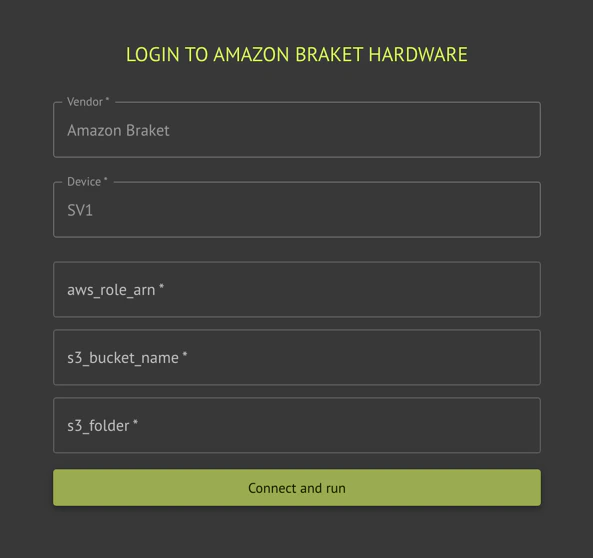
Execution on Amazon Braket requires an AWS account, and a role that Classiq can assume for execution.
SDK
IDE
from classiq import AwsBackendPreferencespreferences = AwsBackendPreferences( backend_name="Name of requested simulator or hardware", aws_access_key_id="Amazon access key ID for the user with Braket access", aws_secret_access_key="Secret access key for the user's key ID", s3_bucket_name="S3 bucket name to save the results", s3_folder="The folder path within the S3 bucket, where the results will be saved", job_timeout="Timeout for execution (Optional)",)
Before first use, the platform needs your permission to connect to your
AWS account. This is done by creating a cross-account role.Classiq provides with the attached CloudFormation AssumeRole.cf.yaml file. It only has the permissions needed for Braket.To create the cross-account role that only Classiq can use, deploy the CloudFormation file to your account:
Set emulate=True on AwsBackendPreferences to use Classiq’s device-aware Braket circuit preparation for the selected Amazon Braket device: the circuit is translated using constraints from that device before the job is submitted. This path differs from the default Qiskit–Braket conversion and can be required for some programs targeting specific hardware.
Defaultemulate=False: standard adapter from Qiskit to Braket.
emulate=True: use Classiq’s emulator-style translation for the chosen device. If compilation fails, try without emulate or another backend; see the error message from the executor.
Behavior depends on the Braket device and circuit; refer to Amazon Braket documentation for device capabilities.