View on GitHub
Open this notebook in GitHub to run it yourself
- QPIE (Quantum Probability Image Encoding) encoding
- QHED (Quantum Hadamard Edge Detection) algorithm
Output:
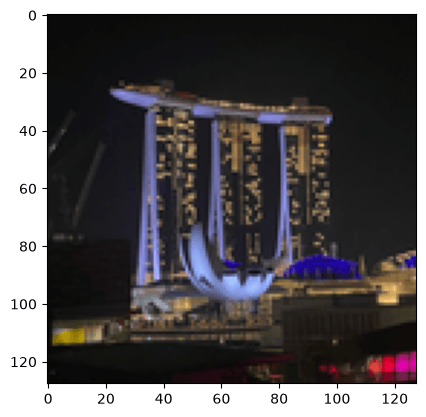
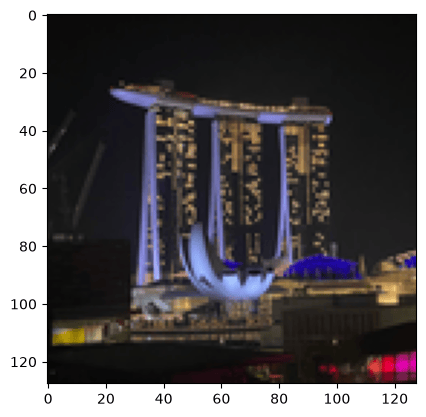
QPIE Encoding Implementation
Convert an image into valid QPIE probability amplitudes. The image is converted to grayscale if needed, made non-negative, and L2-normalized so the sum of squared values equals- The result is stored as an array
IMAGE_DATA.
Output:
Output:
Modified QHED Algorithm
We define anImagePixel QStruct with separate x and y registers, and load the image via lookup_table - the amplitudes are computed classically from the pixel coordinates and loaded with prepare_amplitudes.
The QHED algorithm detects edges by:
- Adding auxiliary qubits in state
- Controlled shifts of (horizontal) and (vertical) by
- Applying Hadamard to compute differences
- Measuring to get edge information
Output:
Synthesize and Analyze the Quantum Circuit
The model is synthesized with a 20-qubit width limit and a long timeout, and finally exported as quantum_image_edge_detection with 15-digit numeric precision.Output:
Output:
Output:
| pixel.x | pixel.y | edge_aux | counts | probability | bitstring | |
|---|---|---|---|---|---|---|
| 0 | 63 | 92 | 0 | 185 | 0.000925 | 010111000111111 |
| 1 | 71 | 94 | 0 | 167 | 0.000835 | 010111101000111 |
| 2 | 62 | 91 | 0 | 165 | 0.000825 | 010110110111110 |
| 3 | 63 | 91 | 0 | 163 | 0.000815 | 010110110111111 |
| 4 | 37 | 87 | 0 | 155 | 0.000775 | 010101110100101 |
| … | … | … | … | … | … | … |
| 17250 | 113 | 127 | 1 | 1 | 0.000005 | 111111111110001 |
| 17251 | 117 | 127 | 1 | 1 | 0.000005 | 111111111110101 |
| 17252 | 118 | 127 | 1 | 1 | 0.000005 | 111111111110110 |
| 17253 | 121 | 127 | 1 | 1 | 0.000005 | 111111111111001 |
| 17254 | 123 | 127 | 1 | 1 | 0.000005 | 111111111111011 |
17255 rows × 6 columns
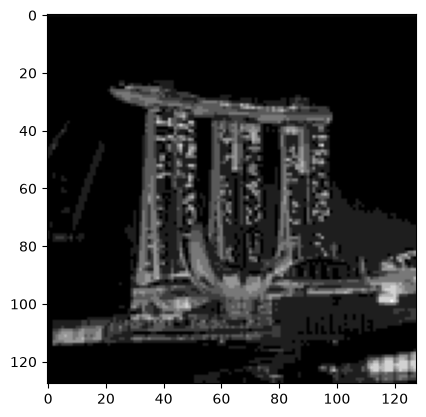
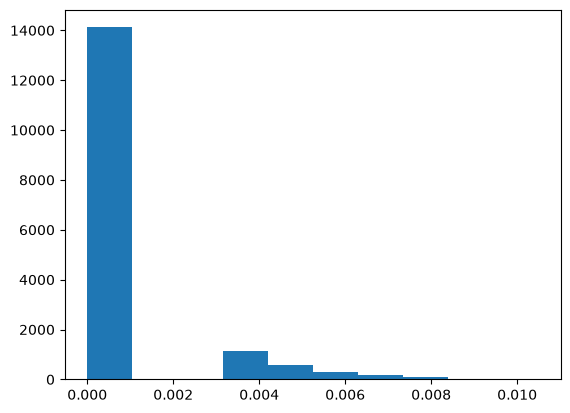
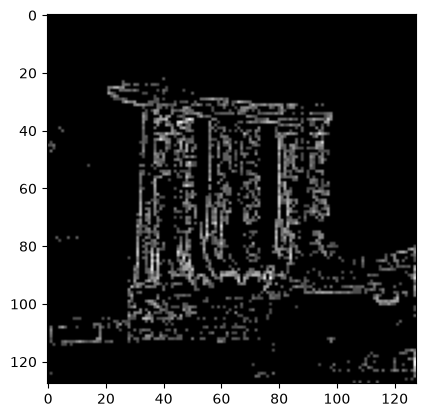
Create Edge Image from Measurement Results
Ifedge_aux == 1 then it is marked as an edge pixel.
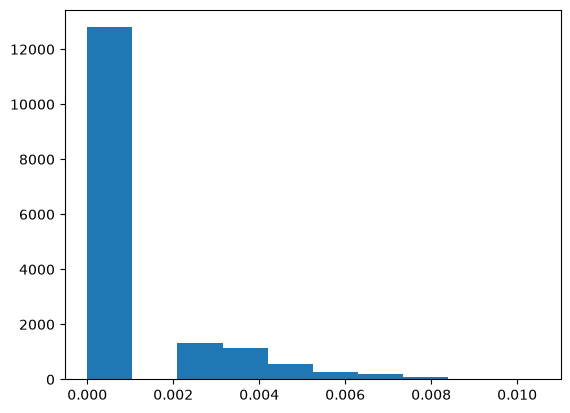
The new amplitude is calculated based on the number of shots measured for that pixel, normalized by the total number of shots.
Output:
Output:
Output:
Output: